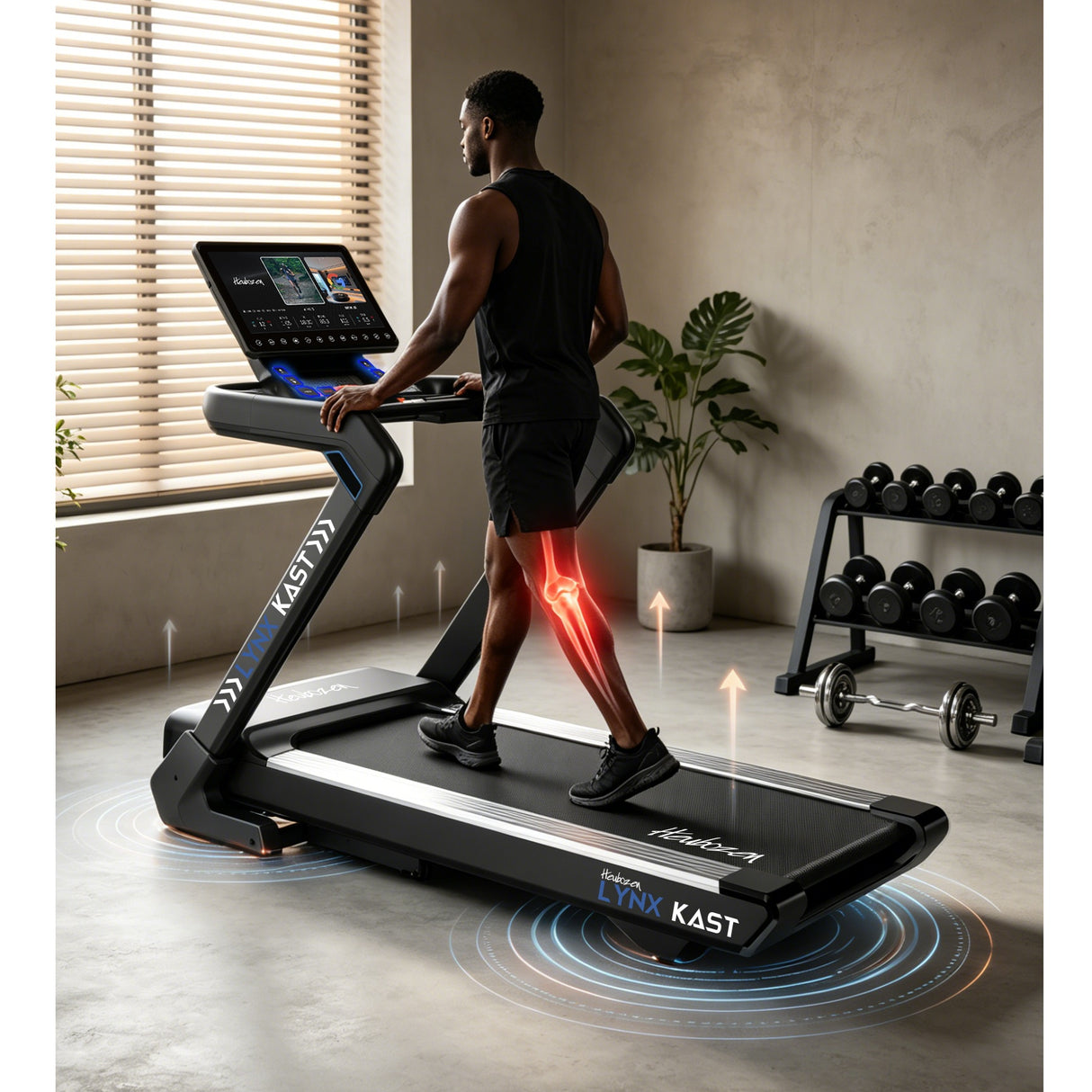
The Heubozen Lynx Kast can be used as a connected treadmill with QZ through its FTMS treadmill workflow. A recent user confirmation reported that the setup worked well after selecting the treadmill path in QZ, with the machine appearing as “Run BT-1224”.

Table of Contents
A confirmed QZ connection for the Lynx Kast
The Lynx Kast is the Heubozen treadmill identified in the support exchange, while “Run BT-1224” is the Bluetooth name shown during discovery. The successful setup used QZ’s FTMS treadmill selection rather than a private, brand-specific QZ article profile. This makes the setup useful for owners whose console advertises the same FTMS endpoint.
Fitness Boutique describes the Lynx Kast with a maximum speed of 22 km/h, 15 incline levels, a 53 × 152 cm running surface and a Chromecast-equipped console. Those are manufacturer/product-page specifications; the QZ connection exposes the data and controls that the individual treadmill actually reports through its FTMS implementation.
What QZ adds around the treadmill
| Area | QZ workflow |
|---|---|
| Physical connection | Select the FTMS treadmill entry that matches the Lynx Kast advertisement, then let QZ own the Bluetooth connection. |
| Live workout data | QZ can show the speed, distance, incline, calories and other fields supplied by the treadmill’s FTMS data. |
| Virtual treadmill | QZ can expose the workout as a virtual treadmill so a compatible training application can receive the session without connecting directly to the physical console. |
| Health and exports | QZ provides surrounding workflows for Garmin Connect FIT uploads, compatible Android ANT+ live speed/distance, Apple Health/HealthKit, Google Health Connect and Strava. |
Zwift and other training apps
QZ’s general treadmill bridge supports Zwift and other FTMS-compatible application workflows. The recommended layout is simple: connect the Lynx Kast to QZ first, verify that the QZ tiles update, and then connect Zwift or another app to the QZ virtual treadmill. This avoids asking two applications to compete for the treadmill’s Bluetooth connection.
QZ documents auto-inclination for compatible treadmill workflows. The email confirmation establishes the Lynx Kast FTMS connection; it does not by itself document a separate physical incline-command test on this particular unit. Owners should therefore verify incline control on their own console before relying on route-driven changes, while still using the confirmed data/virtual-treadmill path for the connected workout.
Garmin, Apple Health, Google Health and Strava
Once QZ is recording the session, the workout can be connected to the wider health ecosystem. Garmin users can choose FIT activity upload to Garmin Connect or, on compatible Android setups, broadcast treadmill speed and distance through ANT+ SDM/footpod. Apple users can use HealthKit, while Android users can use Google Health Connect. QZ can also upload completed workouts to Strava when that integration is configured.
More QZ tools for the Lynx Kast workflow
- Heart-rate sources such as Bluetooth sensors, Apple Watch or ANT+ devices where configured.
- Workout recording and FIT exports, plus structured workout workflows supported by QZ.
- Profiles and configurable tiles for keeping the treadmill dashboard focused.
- MQTT and Open Sound Control for home-automation or monitoring workflows.
- Text-to-speech feedback and email workout reports where enabled.
Subscription boundary
QZ is a separate bridge and recording layer. Connecting the Lynx Kast to QZ does not remove paid plans or content offered by Zwift, ROUVY, Kinomap, Garmin, Strava or another third-party service. It also does not claim that the treadmill console natively supports every service listed above.
Setup checklist
- Close Zwift and other treadmill apps so the Lynx Kast is not already occupied by another Bluetooth connection.
- Open QZ and choose the FTMS treadmill setting.
- Select the discovered “Run BT-1224” entry when it corresponds to the Lynx Kast.
- Wait for the QZ treadmill tiles to populate and confirm the live values.
- Enable the virtual treadmill, then connect Zwift or another compatible app to QZ.
- Run a short test before enabling Garmin, Apple Health, Google Health Connect or Strava exports.
The Lynx Kast therefore has a practical QZ route into connected treadmill training: the machine supplies the FTMS data, QZ manages the bridge, and the selected app or health service receives the workout through the virtual and export workflows.
If something does not work as expected, send an email to Roberto.viola83@gmail.com and Roberto will help you check the setup.