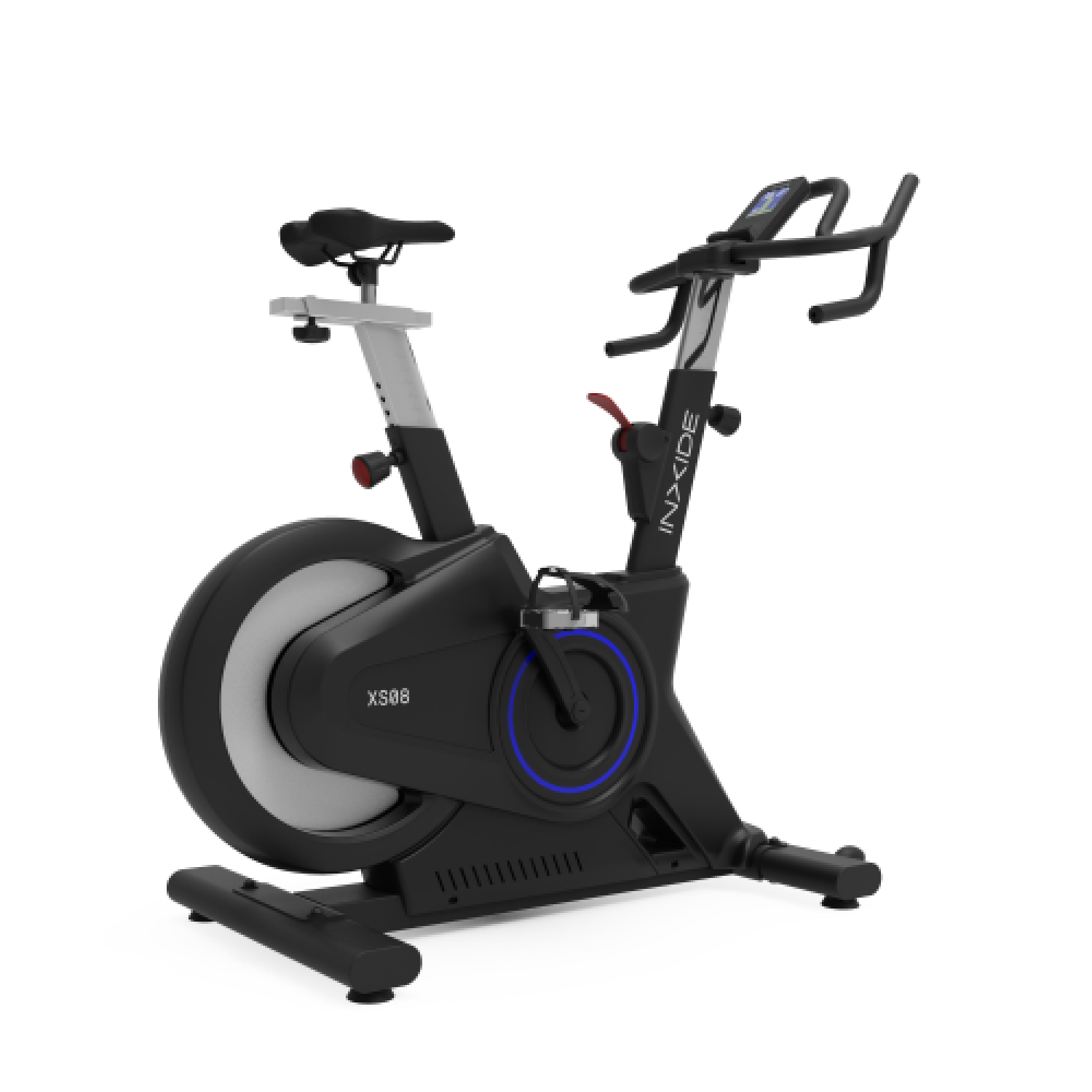

QZ can act as the bridge between an indoor bike and the training app you want to use. A recent support case produced a useful, explicit confirmation for the BODYTONE XS08: after purchasing QZ and testing the complete setup, the owner confirmed that the bike worked with MyWhoosh on a Windows PC.
The original setup was straightforward but important to get right. The bike could connect to MyWhoosh, but the rider was not initially seeing the controllable behaviour expected from slope changes in Free Ride. QZ was then used as the middle layer between the bike and MyWhoosh.
Table of Contents
Compatibility summary
| Item | Result |
|---|---|
| Indoor bike | BODYTONE XS08 |
| QZ | Confirmed working by the owner |
| Training app | MyWhoosh |
| Platform | Windows PC |
| Connection model | Bike → QZ → MyWhoosh |
| Evidence | Explicit post-test confirmation in a support case |
Recommended setup
- Start the BODYTONE XS08.
- Open QZ and confirm that QZ connects to the bike and receives its metrics.
- Start MyWhoosh on the Windows PC.
- In MyWhoosh pairing, select the virtual trainer/device exposed by QZ instead of connecting directly to the physical bike.
- Begin with a short Free Ride and verify power, cadence and the expected controllable behaviour before a longer workout.
If MyWhoosh takes the physical bike directly, QZ cannot act as the bridge. Keeping the connection chain clear is therefore essential.
What QZ can do
QZ is designed to make compatible fitness equipment more useful outside a single manufacturer ecosystem. It can sit between the equipment and the training app, read the available Bluetooth metrics, and expose a standard virtual fitness device to the app you want to use.
- Connect equipment: supported indoor bikes, treadmills, ellipticals and rowers can connect to QZ over Bluetooth.
- Handle workout metrics: depending on the equipment, QZ can work with values such as power, cadence, speed, distance, heart rate and calories.
- Bridge training apps: QZ can expose compatible virtual devices to apps such as MyWhoosh, Zwift, ROUVY and Peloton.
- Support control where available: when the hardware and app provide the required data and commands, QZ can pass through or manage features such as resistance, incline, speed or target power.
- Save and share workouts: depending on the platform and configuration, QZ can integrate with services such as Strava, Apple Health/HealthKit, Garmin Connect and Google Health Connect.
The exact metrics and controls available always depend on the equipment, firmware, operating system and connected training app. For the BODYTONE XS08 case documented here, the confirmed result is the complete Bike → QZ → MyWhoosh workflow on Windows PC.
If something does not work as expected, send an email to Roberto.viola83@gmail.com and Roberto will help you check the setup.
More information: QZ Fitness · BODYTONE XS08 official product page