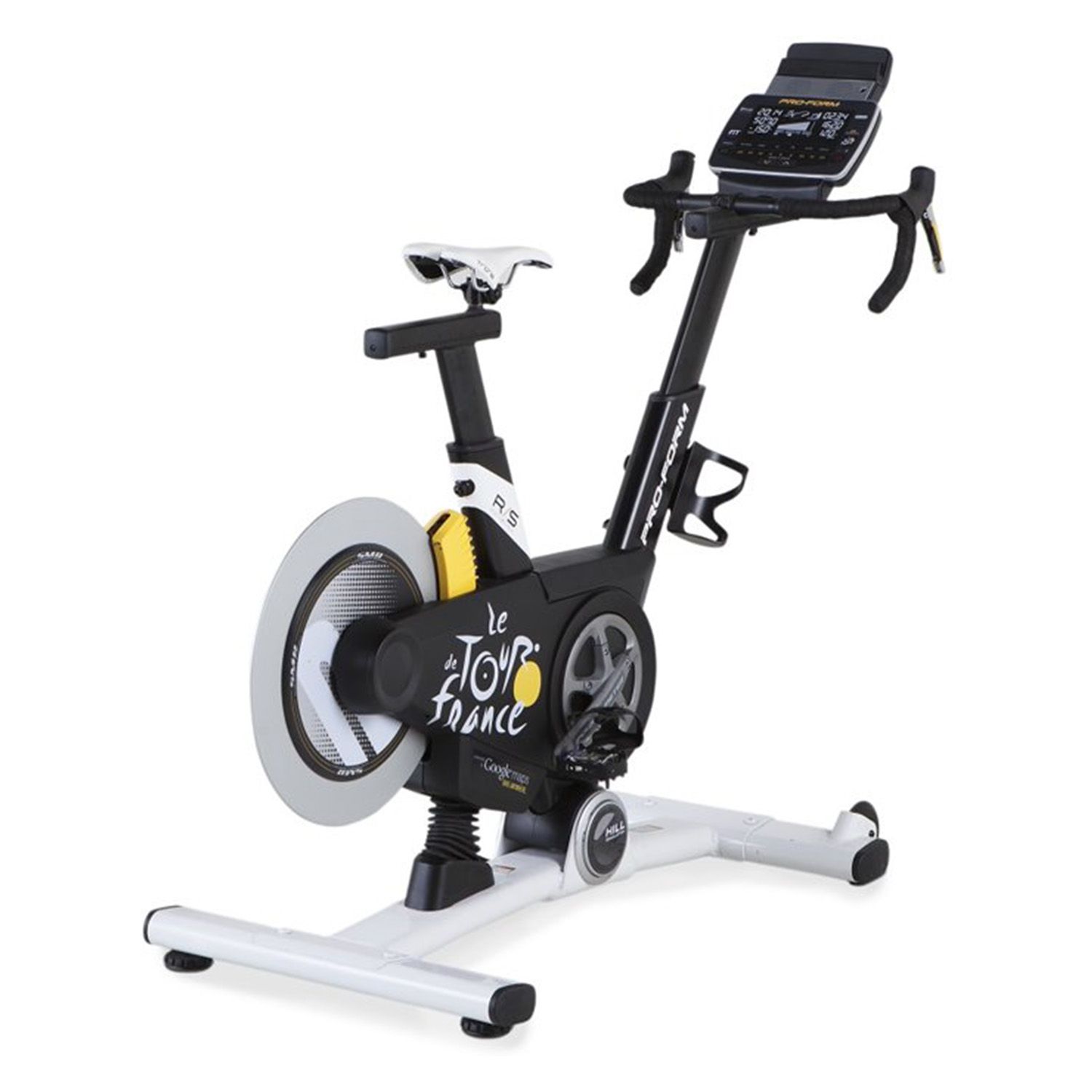
The ProForm TDF2.0 has a useful QZ compatibility confirmation for riders who want to use the bike with ROUVY. In a public GitHub support thread, the bike was already connecting to QZ on iPhone, but the user needed help getting the QZ-to-ROUVY bridge behavior right on Windows.
The confirmed source is QZ issue #4507. The successful setup used the App Store version of QZ, not an unpublished patch, and the user later summarized the working flow: enable Double Negative Inclination, enable Send real inclination to virtual bridge, and use the QZ inclination buttons to wake/change the bike mode when speed is at zero. The final public confirmation was: “Everything is working.”
Table of Contents
Compatibility summary
| Equipment | ProForm TDF2.0 indoor bike |
| QZ device path | QZ on iPhone connected to the ProForm bike |
| Training app | ROUVY on Windows, through the QZ virtual bridge |
| Confirmed settings | Double Negative Inclination and Send real inclination to virtual bridge |
| Wake/mode note | When bike speed is zero, pressing + or – inclination in QZ was reported to wake/change the bike mode so pedaling works normally |
| Confirmed result | The user reported that everything was working with the App Store version of QZ |
| Confidence | High for this ProForm TDF2.0 + QZ + ROUVY workflow; do not generalize it to every ProForm/iFIT bike without checking the exact setup |
What this means for ProForm TDF2.0 riders
This is not a claim that a new unmerged patch is required. The important point is the setup path: QZ can connect to the ProForm TDF2.0 and expose a virtual bridge that ROUVY can use, but the inclination-related bridge settings matter for this specific report.
- Pair the ProForm TDF2.0 with QZ first and confirm that QZ sees the bike data.
- For this ROUVY workflow, enable Double Negative Inclination.
- Enable Send real inclination to virtual bridge so the virtual bridge reflects the bike behavior used in the confirmation thread.
- If the bike is sitting at zero speed and does not start behaving normally, try pressing the QZ + or – inclination buttons as described in the public issue.
- Keep the wording narrow: this confirmation is for the ProForm TDF2.0 workflow reported in issue #4507.
QZ bridge overview
QZ can sit between supported fitness equipment and training apps, reading equipment metrics and presenting a compatible virtual device to apps such as Zwift, ROUVY, MyWhoosh and others where the setup supports it. Depending on your platform and QZ configuration, workouts can also integrate with Apple Health / HealthKit, Garmin Connect, Strava, Google Health / Health Connect and other QZ data paths.
If something does not work as expected, send an email to Roberto.viola83@gmail.com and Roberto will help you check the setup.
Want to use your bike with more apps? Download QZ and learn more at qzfitness.com.