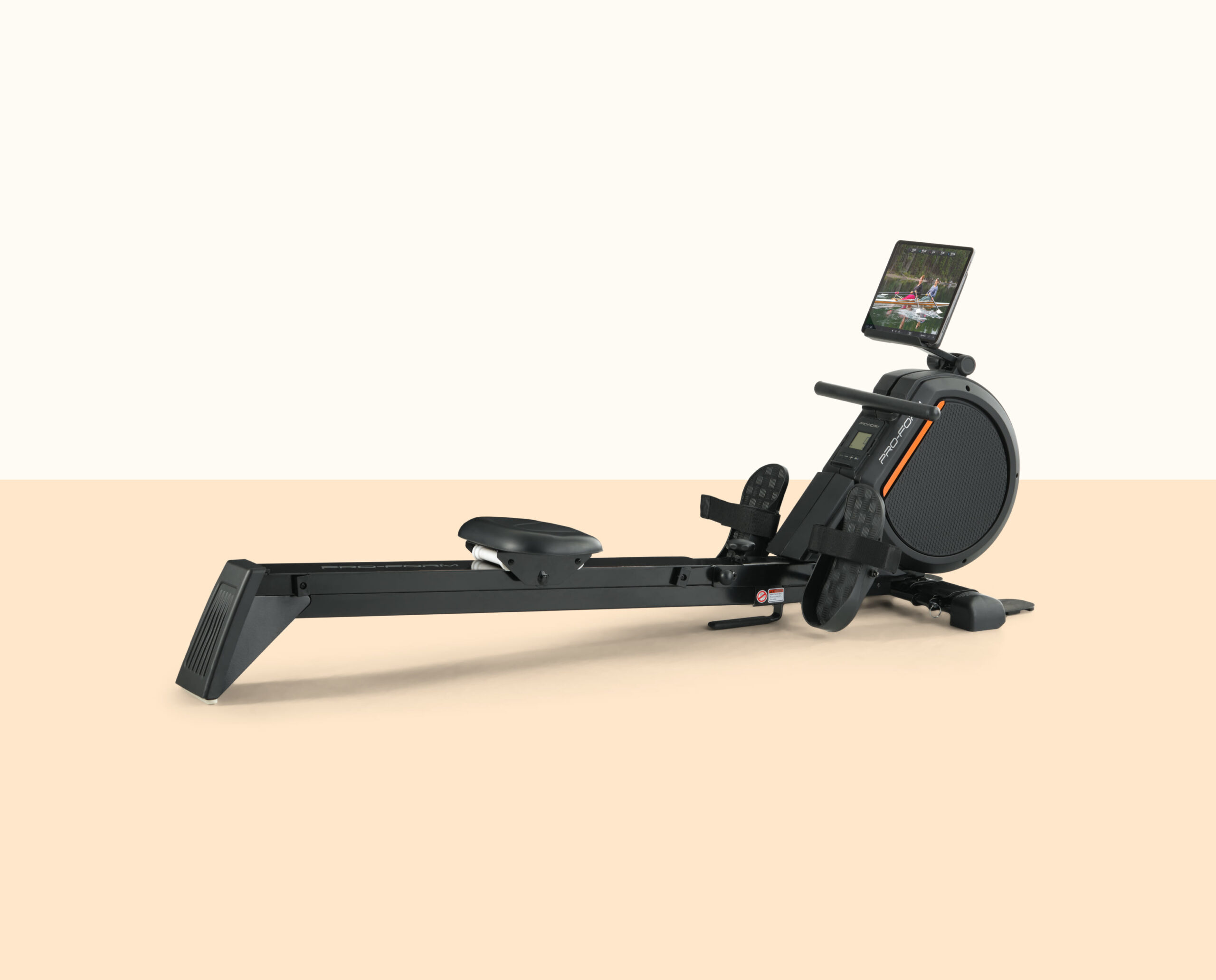
If you own a ProForm 550R rower and wondered whether it can work outside the standard iFIT-style experience, there is good news: QZ compatibility has been confirmed from a real support case.
The confirmation came after a ProForm 550R owner contacted QZ support about the Bluetooth iFIT console. After the setup guidance, the user replied that it worked. That is exactly the kind of real-world feedback that matters when deciding if a specific fitness machine is worth connecting to QZ.
Table of Contents
What this means for ProForm 550R owners
With QZ, the ProForm 550R can become more useful than a closed rowing console. QZ acts as the bridge between your fitness equipment and the apps or services you actually want to use.
- Bluetooth connection with the ProForm 550R / iFIT console confirmed
- QZ can be used as the compatibility layer for your rowing workouts
- Useful for athletes who want more flexibility than the original console ecosystem
- Works as part of the wider QZ approach: connect the equipment once, then use the training platform you prefer
Confirmed compatibility summary
| Machine | ProForm 550R |
| Device type | Rowing machine |
| Console / connection | Bluetooth iFIT console |
| QZ status | Compatibility confirmed |
| Evidence level | High: real user confirmation after support |
Why use QZ with a rowing machine?
Many rowing machines have capable hardware but limited software choices. QZ helps extend the useful life of that hardware by making the data available in a more open and flexible way. Instead of being locked into one app, you can build the setup that fits your training habits.
For some users that means syncing workouts more easily. For others it means using the same app ecosystem across a bike, treadmill, rower, or elliptical. The important part is that the ProForm 550R is now part of the list of machines that can be considered QZ-compatible.
How to try it
- Install QZ on your phone or tablet.
- Power on the ProForm 550R console and enable Bluetooth.
- Open QZ and scan for your rower / iFIT Bluetooth console.
- If something does not work as expected, send an email to Roberto.viola83@gmail.com and Roberto will help you check the setup.
If you have another ProForm, NordicTrack, Domyos, Echelon, or other Bluetooth fitness machine, QZ may already support it too. The best way to know is to try QZ and, if needed, send a debug log from the app.
Get QZ: visit qzfitness.com and connect your fitness equipment to the apps you actually want to use.
Image source: official ProForm product image.