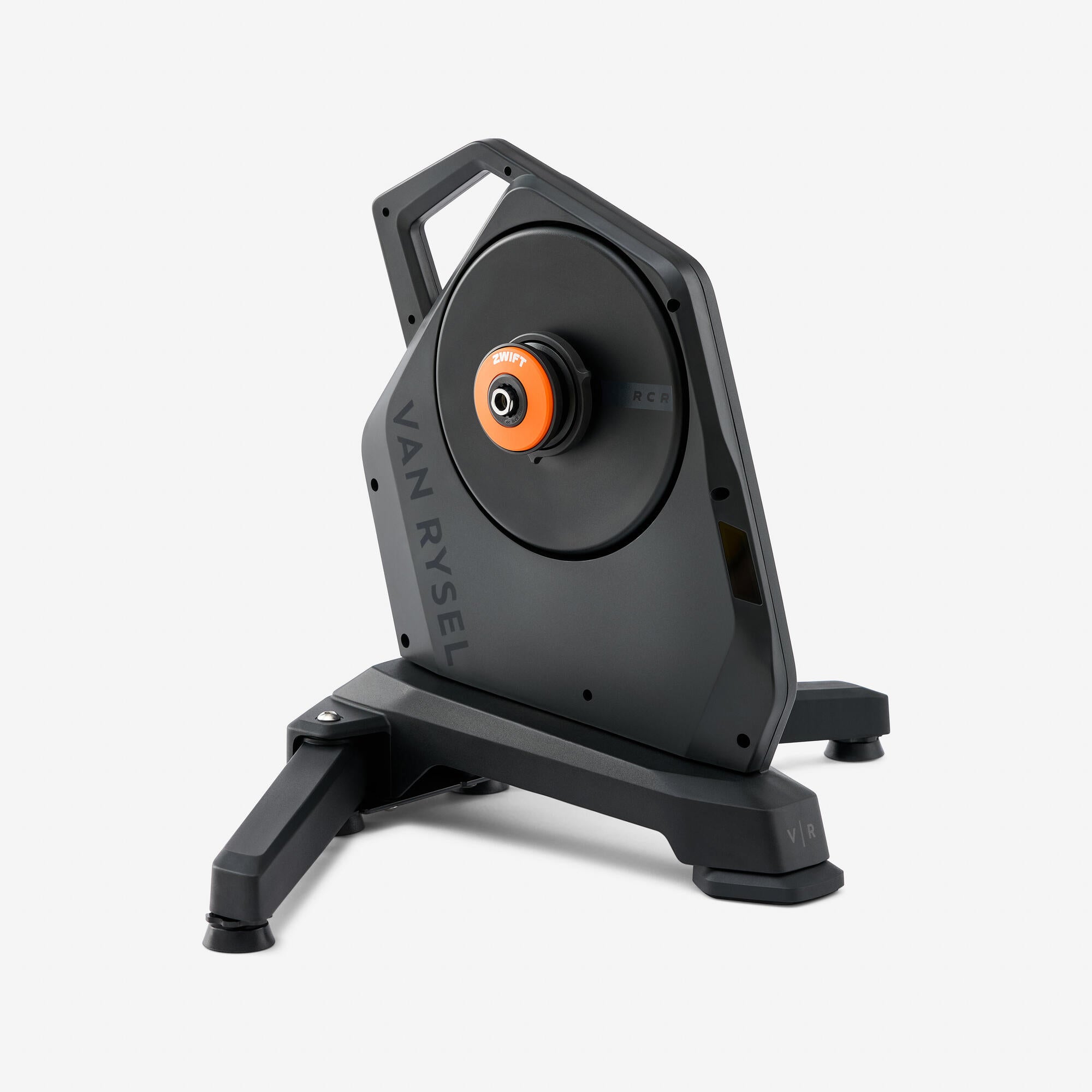
Van Rysel RCR smart trainer owners now have a clear QZ support path in public master: QZ detects Bluetooth devices whose name starts with RCR- as FTMS bikes. The change is visible in the public QZ repository commit c97fd695, titled “Add support for Van Rysel RCR bike”.
This article is intentionally scoped to what the evidence proves. It is code-level support: QZ’s device-discovery logic now routes RCR- Bluetooth names into the existing FTMS bike path. It does not claim that every firmware variant, every cassette/cog setup, or every training-app combination has been field-tested by a user report.
Table of Contents
Compatibility summary
| Device | Van Rysel RCR smart trainer / connected home trainer |
| QZ detection evidence | Merged public master commit adds RCR- Bluetooth-name matching in src/devices/bluetooth.cpp |
| QZ device path | FTMS bike path |
| Connection | Bluetooth LE, using the trainer name prefix added in QZ |
| Metrics/control scope | Limited to the standard FTMS bike behavior exposed by the trainer and already supported by QZ |
| Zwift / MyWhoosh / ROUVY / Peloton | Use QZ’s normal virtual-bike bridge where your phone/tablet platform and QZ settings support that app workflow |
| Confidence | Medium: strong public repository evidence for recognition, but no separate field-test confirmation is claimed here |
Setup notes
- Update QZ to a build that includes the public master change for Van Rysel RCR detection.
- Start the trainer and look for a Bluetooth name beginning with
RCR-. - Let QZ discover the trainer through the FTMS bike path.
- After connection, verify the basic workout metrics first before relying on resistance control or a virtual-bike app bridge.
What not to overread from this change
The repository change is useful because it removes an auto-detection gap for RCR-branded trainers, but it is not the same as a full hardware review. If your trainer exposes only part of the FTMS data/control surface, QZ can only use what the trainer publishes over Bluetooth.
QZ bridge overview
QZ can sit between supported fitness equipment and training apps, reading equipment metrics and presenting a compatible virtual bike where the selected setup supports it. Depending on platform and configuration, QZ workouts can also connect with Apple Health / HealthKit, Garmin Connect, Strava, Google Health / Health Connect and other supported data paths.
If something does not work as expected, send an email to Roberto.viola83@gmail.com and Roberto will help you check the setup.
Want to use your fitness equipment with more apps? Download QZ and learn more at qzfitness.com.